
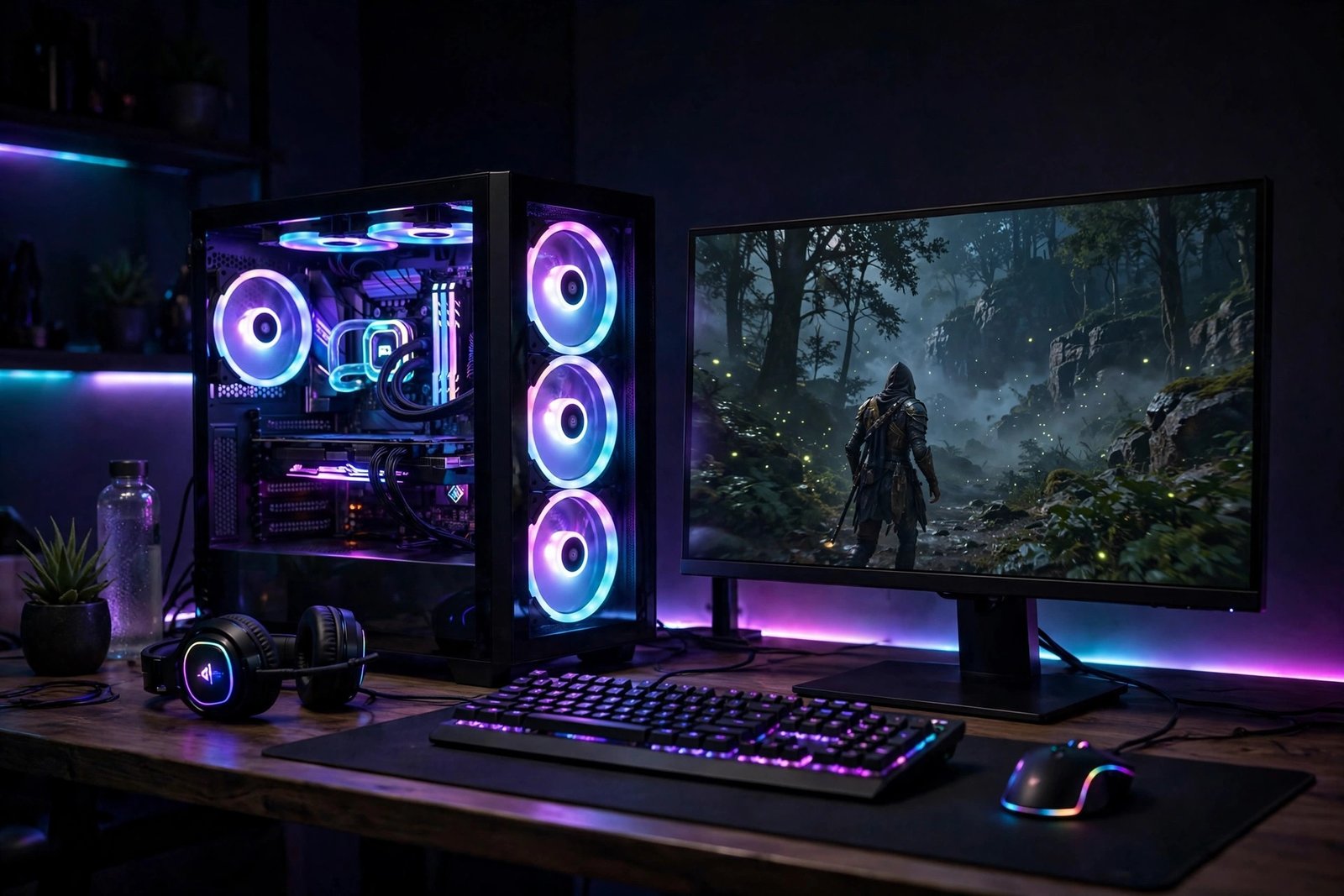
Prebuilt gaming PCs in Britain carry a painful tax: the “someone else built it” premium, which typically adds 20–40% to the parts cost. In 2026, building your own budget gaming PC remains the smartest way to get maximum frames per pound — and it’s genuinely easier than flat-pack furniture, with parts that only fit one way and a thousand YouTube tutorials for every step. Here’s how to build a capable 1080p gaming PC in the UK in 2026 for £500–£700, what to buy, what to avoid, and the mistakes that catch every first-time builder.
Set the target: what “budget” buys you in 2026
A £500–£700 self-build in 2026 buys a PC that plays virtually any current game at 1080p high settings at 60fps or better — from Baldur’s Gate 3 to Call of Duty to indie darlings. That’s the sweet spot: below £500 you’re making painful compromises (8GB RAM, weak GPUs that struggle with new releases), and above £700 you’re into diminishing returns for 1080p. Be honest about your monitor: if you’re gaming at 1080p 60Hz, a budget build is perfect; if you want 1440p high-refresh, you need to spend more on the graphics card. And remember the hidden costs — Windows licence (£20–£30 for a legitimate OEM key from reputable sellers), and peripherals if you don’t own them. Our guide to how much electricity a gaming PC uses is worth a read too, since a budget build’s running costs are pleasantly low.
The parts list: where the money goes
Graphics card (GPU): half your budget, roughly
The GPU determines gaming performance more than everything else combined, so it gets the biggest slice — around £250–£350 of a £600 build. In 2026, the budget champions are AMD’s RX 7600-class cards and Nvidia’s RTX 4060-class cards, both widely available from UK retailers like Scan, Overclockers UK, Ebuyer and CCL. AMD typically gives you more raw frames per pound; Nvidia gives you better ray tracing and DLSS upscaling, which effectively boosts performance in supported games. For 1080p gaming, either is plenty. Buy new if you can — the used GPU market still carries ex-mining cards with worn-out fans — but a used RTX 3060 Ti at £180–£220 from a reputable seller remains a legitimate budget hack.
Processor (CPU): the sensible middle
You don’t need a flagship CPU for gaming. A modern 6-core processor — AMD Ryzen 5 5600/7600 class or Intel Core i5-12400F/13400F class, £100–£160 — won’t bottleneck a budget GPU in any meaningful way. The “F” suffix on Intel chips means no integrated graphics (fine — you have a GPU) and a lower price. Don’t overspend here: a £250 CPU with a £200 GPU plays games worse than a £130 CPU with a £320 GPU, every time.
Motherboard, RAM and storage: the supporting cast
Motherboard: a basic B-series board (B550 for AMD, B660/B760 for Intel) at £80–£110 — skip the £200 “gaming” boards with features you’ll never use. RAM: 16GB (2x8GB) of DDR4 or DDR5 at £40–£60; 16GB remains the gaming sweet spot, and it’s the easiest future upgrade. Storage: a 1TB NVMe SSD at £50–£70 — non-negotiable in 2026, since modern games stream assets constantly and a hard drive makes them stutter. Avoid the classic beginner trap of a tiny 256GB SSD; Call of Duty alone can eat 150GB.
Power supply (PSU): the part you must not cheap out on
The PSU is the one component where budget-chasing can literally kill your PC. A failing cheap PSU can take the motherboard and GPU with it. Buy a reputable 550–650W unit with an 80+ Bronze rating or better from Corsair, Seasonic, be quiet! or EVGA — £55–£75. Check the wattage calculator on any major PSU maker’s site; a budget build rarely needs more than 550W. Modular cables (detachable) cost a little more and make building far tidier.
Case and cooling: don’t overthink it
Any £40–£60 case with a mesh front panel and room for your GPU will do — airflow matters more than RGB. The stock cooler included with most budget CPUs is adequate; an aftermarket tower cooler (£20–£30) is quieter and worth it if your PC sits on your desk. Total for case plus cooling: under £80.
Where to buy parts in the UK (and what to avoid)
Scan, Overclockers UK, Ebuyer, CCL and Amazon UK are the reliable sources — compare all five, since prices swing £10–£30 per part. Use PCPartPicker’s UK site to check compatibility automatically and track price history, and consult Which?’s independent technology reviews before committing to big-ticket parts; it catches the classic errors (wrong socket, RAM that’s too tall for your cooler, a GPU longer than your case). Avoid: marketplace sellers with no returns policy, “too good to be true” GPU deals (counterfeit or mining-worn cards), and Windows keys from grey-market sites at £3 — they’re often volume licences that Microsoft deactivates. The BBC’s technology coverage has reported on counterfeit component scams; if a deal looks absurd, it is.
The build: it’s easier than you think
The actual assembly takes 2–3 hours for a first-timer. The order: install CPU, cooler and RAM on the motherboard before putting it in the case; mount the PSU and route its cables; seat the motherboard on its standoffs; install the SSD; slot in the GPU last (it’s the biggest, most fragile part). Everything is keyed to fit one way — if you’re forcing it, stop and check orientation. Cable-manage loosely; perfection is for photos. Then the first boot: enter the BIOS (usually Delete or F2), confirm all parts are detected, set the RAM to its rated speed (enable XMP/EXPO — this single setting is the most common performance left on the table), install Windows from a USB stick, then drivers from the GPU maker’s site. Protect the finished machine properly — our guide to protecting your devices from viruses in 2026 applies to desktops too.
First-timer mistakes that cost real money
Forgetting the motherboard standoffs — screwing the board directly to the case shorts it. Buying a GPU that doesn’t fit the case — measure twice; triple-fan cards are long. Plugging the monitor into the motherboard instead of the GPU — the most common “my new PC is slow” cause; the cable goes in the graphics card’s ports. Not enabling XMP/EXPO — your 3200MHz RAM runs at 2133MHz by default until you switch it on. Skimping on the PSU — covered above, but it bears repeating. And building on carpet in socks — static discharge is rare but real; touch the case metal periodically or wear the wrist strap.
The bottom line
A £500–£700 self-build in 2026 delivers 1080p high-settings gaming that prebuilt sellers charge £800–£1,000 for. Spend half the budget on the GPU, buy a trustworthy PSU, use PCPartPicker for compatibility, and give yourself a Saturday afternoon. You’ll end up with a faster PC, the knowledge to upgrade it, and the quiet satisfaction of having built the thing yourself. Just remember to plug the monitor into the graphics card.
Frequently Asked Questions
How much does it cost to build a budget gaming PC in the UK in 2026?
£500–£700 for a capable 1080p gaming PC, including Windows. The graphics card takes roughly half the budget (£250–£350), with the CPU, motherboard, RAM, SSD, PSU and case making up the rest.
Is it cheaper to build or buy a gaming PC?
Building is 20–40% cheaper for equivalent parts, and you get better component quality (prebuilts often cheap out on the PSU and motherboard). Prebuilts win only on convenience and single-point warranty.
What GPU should I get for a budget build in 2026?
AMD RX 7600-class or Nvidia RTX 4060-class cards (£250–£350 new) are the 1080p sweet spot. A used RTX 3060 Ti at £180–£220 is the best value if you buy from a reputable seller.
Do I need 32GB of RAM for gaming?
No — 16GB remains plenty for gaming in 2026. Put the money toward a better GPU instead. RAM is the easiest future upgrade: you can add more in two minutes whenever you need it.
Is building a PC hard for a beginner?
Not really. Parts only fit one way, and video tutorials walk through every step. Budget 2–3 hours, follow a build guide for your specific parts, and the hardest part is honestly cable management.