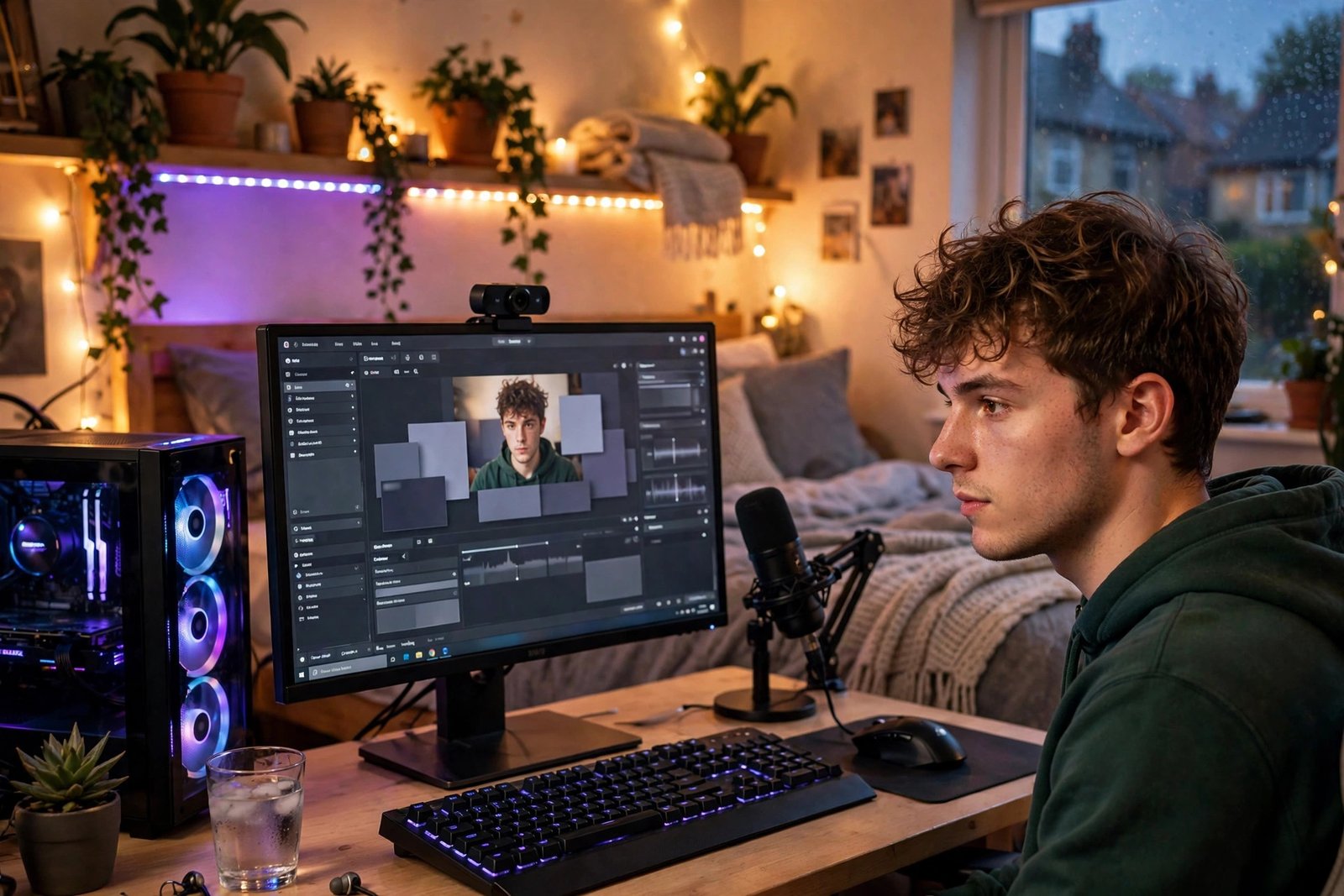
Capture cards have long been the gatekeepers of game streaming: a £100–£150 box of hardware sitting between your console or second PC and your streaming rig. But in 2026, most new streamers do not need one at all. Whether you are streaming PC games, console gameplay, or retro classics, there are reliable ways to get your gameplay into OBS and out to Twitch, YouTube, or TikTok without dedicated capture hardware — saving you money and a tangle of cables. Here is how each setup works, what the trade-offs are, and how to get the best quality from a card-free stream.
Streaming PC games: no capture card needed, ever
If you play and stream on the same PC, a capture card was never necessary — it only matters when capturing an external source. OBS Studio (free, open-source) captures your game directly via Game Capture, which hooks into the running game with minimal performance cost. The setup:
- Download OBS Studio (free, open-source) and run the auto-configuration wizard (it detects your hardware and sets sensible defaults).
- Add a Game Capture source, set it to capture your specific game.
- Add your webcam, microphone, and overlays as additional sources.
- In Settings → Stream, connect your Twitch or YouTube account.
- Hit “Start Streaming.”
The real question for single-PC streaming is performance: encoding video while gaming hammers your CPU or GPU. Modern NVIDIA cards (GTX 1660 and newer) have a dedicated NVENC encoder chip that handles streaming with minimal fps loss — enable it in OBS output settings. AMD’s AMF encoder has improved substantially too. If your PC struggles, stream at 720p60 rather than 1080p60; most viewers watch on phones anyway, and a smooth 720p stream beats a stuttering 1080p one every time.
Streaming console games without a capture card
This is where people assume hardware is mandatory — it is not. Consoles have built-in streaming:
- PS5: press the Create button → Broadcast → link your Twitch or YouTube account. Streams at up to 1080p60 with webcam (via PlayStation Camera or USB cam) and mic support.
- Xbox Series X|S: the Twitch app (free from the store) broadcasts directly; the Edge browser can access other platforms’ dashboards.
- Nintendo Switch: no native streaming — but the Switch’s limited streaming relevance makes this a minor gap.
Built-in console streaming is genuinely convenient but limited: basic overlays only, no custom alerts, no multi-source scenes. The quality is perfectly watchable, though — ideal for testing whether you enjoy streaming before investing further.
The remote-play workaround for full OBS control
Want OBS overlays with console gameplay but no capture card? Use remote play: PS Remote Play or Xbox remote play streams your console’s output to your PC over your home network, and OBS captures that window. It works surprisingly well on a wired or strong Wi-Fi connection, with only slight added latency — fine for casual and story-driven games, less ideal for competitive shooters. This trick gives you full OBS scenes, alerts, and plugins with zero extra hardware.
Software alternatives that replace capture hardware
Beyond OBS’s built-in capture, several tools eliminate hardware needs:
- OBS plugins and virtual cameras — NDI plugins send video between PCs over your network, replacing capture cards in dual-PC setups entirely (and for free).
- Discord streaming — for streaming to friends rather than the public, Discord’s Go Live (up to 1080p60 for Nitro users) needs nothing but the app.
- TikTok Live Studio / YouTube’s built-in tools — platform-native software with screen capture built in, increasingly capable for casual streamers.
- Mobile streaming — Streamlabs’ mobile app and similar tools stream phone gameplay directly, no PC or capture card involved.
For browser-based collaboration, tools like StreamYard capture remote guests without anyone needing hardware — useful for podcast-style gaming shows.
Getting good quality without the hardware
Card-free streaming lives or dies on three things: internet upload speed, encoding settings, and audio. Run a speed test: you want at least 8–10 Mbps stable upload for 1080p60, or 5–6 Mbps for 720p60. Use a wired ethernet connection — Wi-Fi dropouts cause the buffering and disconnects that kill small channels. In OBS, the sweet spot for most UK broadband is 6000 kbps bitrate at 1080p60 (Twitch’s cap) or 4500 kbps at 720p60.
Audio matters more than video for retaining viewers: a £30–£50 USB microphone (or even a decent headset mic positioned well) beats a £200 camera with terrible audio. Add a noise-suppression filter in OBS (RNNoise is built in and excellent) to kill keyboard clatter and room echo. And remember the practical side — long streaming sessions draw serious power, so it is worth knowing how much electricity a gaming PC uses, and a comfortable viewing setup matters whether you are streaming or working, as covered in how to set up a monitor with a laptop for dual-screen monitoring of chat.
When a capture card is still worth buying
Honesty requires the other side: capture cards still earn their place for serious setups. Dual-PC streaming at high quality, capturing retro consoles (which need analogue-to-digital conversion), streaming at 4K60, or running a professional multi-camera setup all benefit from dedicated hardware. But that is enthusiast and professional territory. For everyone else — the new streamer testing the waters, the casual creator, the console player — software solutions in 2026 are more than sufficient. Start free, grow your audience, and buy the capture card later if your ambitions outgrow software, not before.
Growing from zero viewers: the unglamorous truth
The technical setup is the easy part; the hard part is that nobody watches new streamers. Twitch alone hosts millions of monthly broadcasters, and discoverability for small channels is brutal. The streamers who break through share unglamorous habits: a consistent schedule (same days, same times — viewers cannot follow chaos), talking constantly even to zero viewers (dead air kills the rare visitor who clicks in), streaming in smaller categories where you can rank on the first page rather than page 47 of a mega-game, and making content elsewhere — TikTok clips, YouTube highlights — that funnels viewers to the live stream.
Set honest expectations: most successful streamers streamed to single-digit viewers for 6–18 months. Treat the first year as paid-in-full education in entertainment, commentary, and community building — skills that transfer everywhere. Network genuinely with similar-sized streamers (raid them, chat in their streams, collaborate) rather than begging big channels for shoutouts. And protect your enjoyment: the moment streaming feels like joyless obligation, take a break. Burnout ends more channels than bad bitrates ever will.
Conclusion
You absolutely can stream games without a capture card: single-PC streaming needs only OBS, consoles have built-in broadcasting, and remote-play tricks bring full OBS production to console gameplay for free. Invest instead in what actually grows a channel — stable upload speed, clear audio, and consistent scheduling. The capture card is a solution to problems most new streamers do not have yet. Start streaming this weekend with the gear you already own; if you are still going in six months and want dual-PC quality or 4K capture, then spend the £150.
Frequently Asked Questions
Do I need a capture card to stream on Twitch from PC?
No. OBS Studio captures PC gameplay directly through Game Capture. Capture cards are only for bringing in external video sources like consoles or cameras.
Can I stream PS5 gameplay with overlays and alerts?
Not natively — the PS5’s built-in broadcast is basic. Use PS Remote Play to your PC and capture it in OBS for full overlays, alerts, and scenes without a capture card.
What upload speed do I need to stream?
Minimum 5–6 Mbps for 720p60 or 8–10 Mbps for 1080p60, and it must be stable. Wired ethernet is strongly recommended over Wi-Fi.
Is OBS Studio really free?
Yes — completely free and open-source, with no watermarks or feature limits. It is the industry standard for streamers from beginners to professionals.
Will streaming hurt my gaming performance?
On modern hardware with NVENC/AMF hardware encoding, the impact is small (typically under 5–10% fps). On older CPUs doing software encoding, it can be significant — lower your stream resolution or use GPU encoding.