
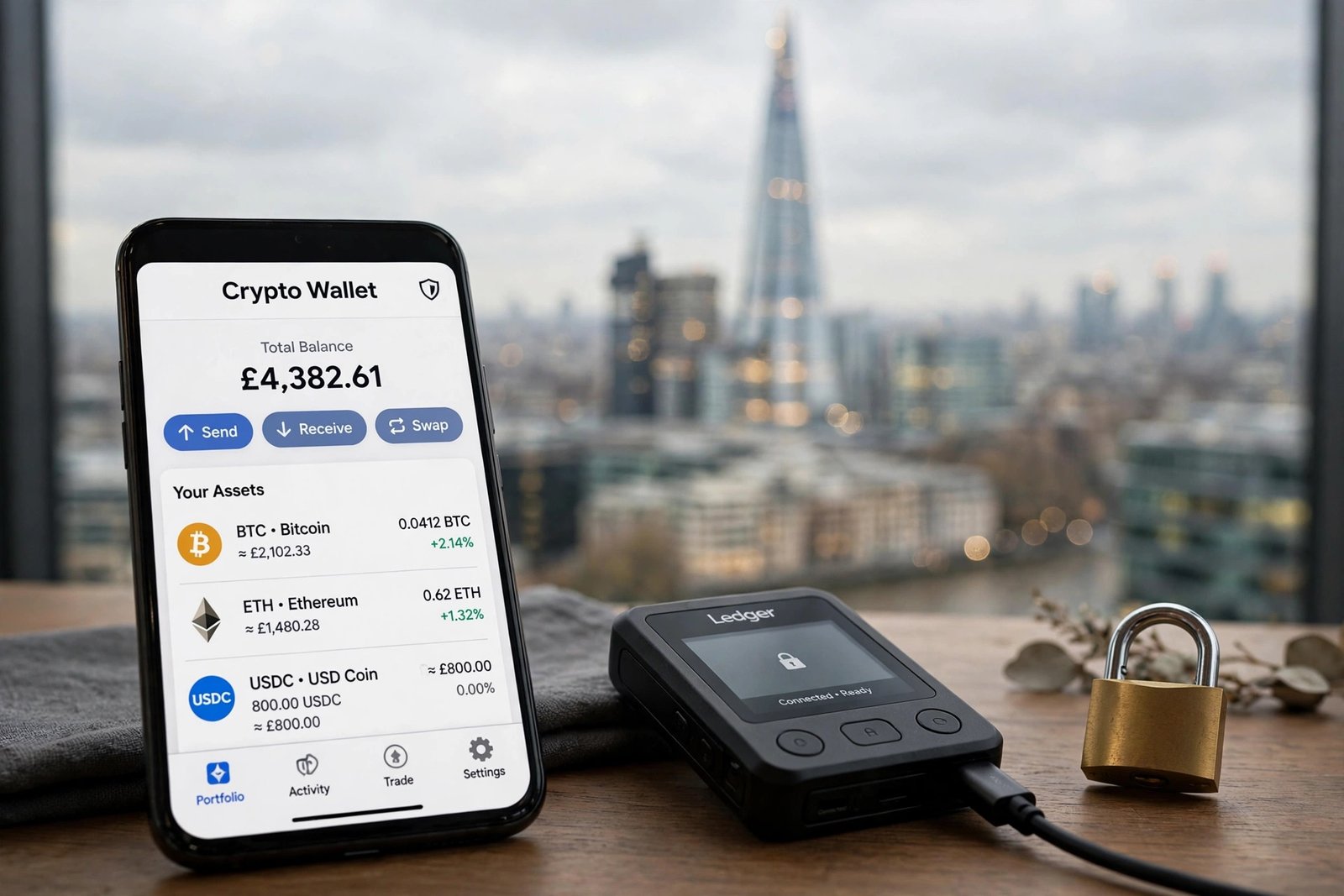
Choose a crypto wallet as a beginner and you’re immediately drowning in jargon: hot, cold, custodial, non-custodial, seed phrases, hardware signers. Strip it back, and the question is simple: where do your coins actually live, and who could take them? For a beginner in London — buying a first fraction of Bitcoin or Ethereum on a UK exchange — the safest wallet isn’t the most technical one. It’s the one you’ll actually use correctly. Here’s how to choose without getting overwhelmed.
Start with the real decision: who holds the keys?
Every wallet falls into one of two camps. Custodial wallets (including the built-in wallet on any exchange) mean a company holds your private keys — convenient, but you’re trusting that company completely. Non-custodial (self-custody) wallets mean you hold the keys via a seed phrase — full control, but full responsibility: lose the phrase and the crypto is gone forever, with no customer service to call.
For absolute beginners, there’s no shame in a phased approach: keep your first small purchases on a reputable FCA-registered exchange while you learn, then graduate to self-custody once your holdings are worth protecting properly. What you shouldn’t do is leave life-changing amounts on any exchange indefinitely — UK crypto holdings have no FSCS protection, a fact the FCA spells out clearly.
The beginner-friendly wallet types, ranked by safety
Mobile wallets (hot). Apps like Trust Wallet, Exodus or Coinbase Wallet turn your phone into a crypto wallet. They’re free, intuitive, and fine for small amounts — but your phone is an internet-connected device full of other apps, which makes it a target. Never store your seed phrase as a screenshot or in cloud-synced notes; one iCloud breach and it’s over.
Desktop wallets (hot). Software on your computer. Similar security profile to mobile — convenient, but exposed to malware. Keep the amounts modest.
Hardware wallets (cold). Physical devices from makers like Ledger or Trezor that keep your keys offline; you approve transactions on the device’s own screen. This is the gold standard for holdings you don’t plan to touch for months or years. The catch for beginners: they cost £50–£150, and you must buy direct from the manufacturer — second-hand or marketplace devices can be tampered with.
The sensible London beginner’s setup: exchange for buying, a mobile wallet for learning self-custody with small amounts, and a hardware wallet once your stack justifies the £70 or so. Each step teaches you the skills for the next.
Security habits that matter more than the wallet brand
Here’s an uncomfortable truth: most beginners lose crypto through their own habits, not through wallet flaws. The non-negotiables: turn on two-factor authentication everywhere with an authenticator app, especially on your email — email access is how most account takeovers start. Write your seed phrase on paper, store copies in two separate safe places, and never digitise it. Download wallet apps only from official sources; fake wallet apps are a thriving scam industry. Check the FCA’s ScamSmart warnings if an app looks suspicious. And be cautious on public Wi-Fi — checking your portfolio from a café hotspot is riskier than it feels, which is why it’s worth understanding whether you need a VPN in the UK before transacting on shared networks.
Setting up your first self-custody wallet: a walkthrough
The theory is simple; here’s the practice. Step one: download the wallet app only from the developer’s official site or the official app store listing — fake wallets are common, so double-check the publisher name. Step two: create a new wallet and carefully write down the 12 or 24-word seed phrase on paper, in order, with a pen. Do this somewhere private, with no camera pointed at you. Step three: the app will ask you to confirm the phrase — this proves you recorded it correctly. Step four: send a tiny test amount (a few pounds’ worth) to your new wallet address, and confirm it arrives. Step five: practise restoring — delete the app, reinstall, and recover with your seed phrase. If the test funds reappear, your backup works and you actually understand the process. Only then move larger amounts. The whole exercise takes under an hour, costs almost nothing, and transforms self-custody from a scary concept into a skill you own.
What about wallets built into UK banking or investment apps?
Some fintech apps offer crypto inside a familiar interface, which feels reassuring. Read the small print, though: in many cases you’re buying exposure within the app’s ecosystem, not withdrawable coins you truly own — you can’t send them to your own wallet. That’s fine if you want simple price exposure, but it’s custodial in the extreme: you can’t move your crypto anywhere. For a beginner learning how crypto actually works, an exchange that allows withdrawals to your own wallet teaches far more.
Planning for the worst: backup and inheritance
Two scenarios beginners never plan for. One: your phone is stolen or your laptop dies. With a properly backed-up seed phrase, you restore everything on a new device in minutes — without it, everything is gone. Test your backup before you need it: restore the wallet on a second device with a small amount first. Two: something happens to you. Crypto doesn’t pass automatically to anyone; without a plan, your coins are lost forever. Even a simple sealed letter with a solicitor, explaining where the seed phrase is stored, is infinitely better than nothing. Morbid? Yes. Essential? Also yes.
The bottom line
The safest crypto wallet for a London beginner is a staged answer: a reputable exchange wallet for your first purchases, a well-chosen mobile wallet as you learn self-custody, and a hardware wallet bought direct from the manufacturer once your holdings matter. But the wallet is only half the story — authenticator-based 2FA, an offline seed-phrase backup in two locations, official download sources, and an inheritance plan do more for your safety than any brand name. Master those habits and you’ll be safer than the vast majority of crypto holders, beginner or not.
One last habit that costs nothing: schedule a yearly wallet check-up. Open each wallet, confirm you can still access it, verify your seed-phrase backup is where you left it, and update your records. Wallets get forgotten — apps are deleted during phone clean-ups, passwords fade from memory. A ten-minute annual review is the cheapest insurance in crypto.
Frequently Asked Questions
What’s the safest type of crypto wallet for beginners?
A hardware wallet (cold storage) is the safest for significant holdings. For small starter amounts, a reputable mobile wallet with proper backups is a reasonable first step into self-custody.
Should I keep crypto on the exchange where I bought it?
For small amounts while learning, it’s acceptable. For larger or long-term holdings, move coins to a wallet you control — exchanges can be hacked or fail, with no FSCS protection in the UK.
Where should I buy a hardware wallet in the UK?
Direct from the manufacturer’s official website only. Never buy second-hand or from marketplace sellers — tampered devices are a documented attack method.
What happens if I lose my hardware wallet?
Nothing, provided your seed phrase is safely backed up — you buy a new device and restore. The device is replaceable; the seed phrase is not. Lose both and the crypto is gone permanently.
Can I use the same wallet for Bitcoin and Ethereum?
Most modern wallets (mobile and hardware) support multiple cryptocurrencies in one app. Check the wallet’s supported-coins list before buying, especially for less common tokens.