
Every month, millions of Britons watch Twitch — and a growing number wonder about the other side of the screen. Streaming looks like the dream job: play games, build a community, earn a living from your bedroom. The reality is harder — most streamers earn nothing, discoverability is brutal, and success demands the consistency of a full-time job. But as a hobby, a creative outlet or a side project, streaming in 2026 has never been more accessible.
This beginner’s guide covers everything a UK newcomer needs: the setup, the software, the legal and tax bits nobody mentions, and the honest strategy for finding your first viewers — without spending a fortune before you know whether you enjoy it.
The setup: start with what you have
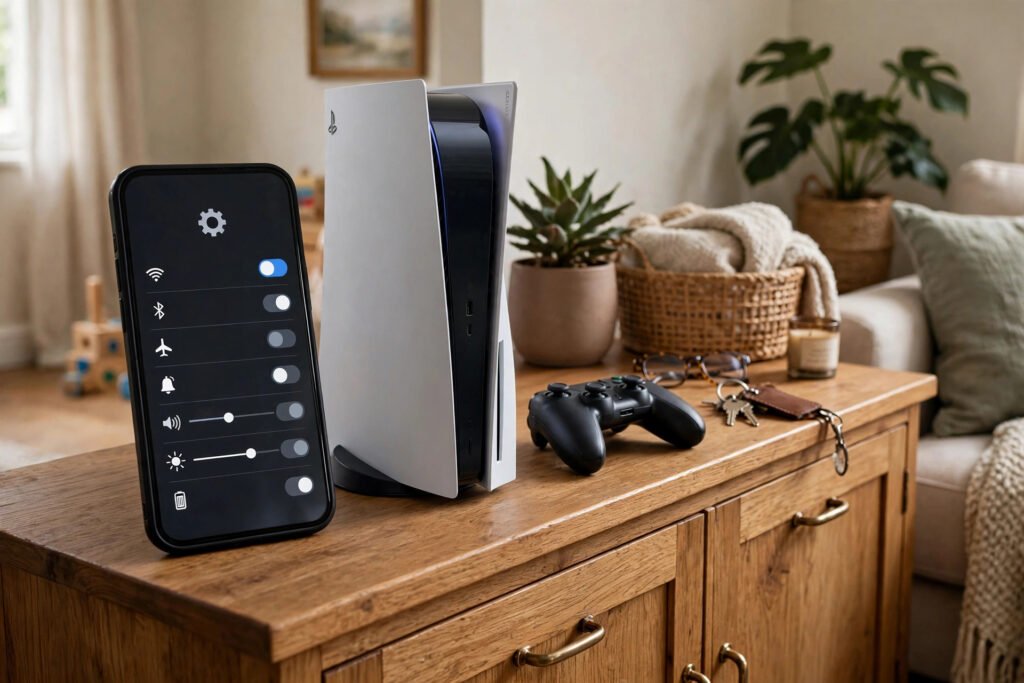
The biggest myth in streaming is that you need expensive gear. You do not — not at first. The minimum viable stream is: a PC or console capable of running your game, a stable internet connection (10 Mbps upload minimum, 20+ recommended — wired, not Wi-Fi), and free broadcasting software (OBS Studio). That is genuinely enough to start. Console streaming is even simpler: PlayStation and Xbox have built-in Twitch broadcasting — press share, link your account, and you are live in minutes, no capture card required.
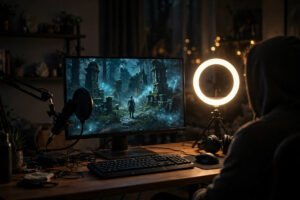
Upgrade in order of impact when you are ready: first, audio — a £40–£70 USB microphone (or a decent headset mic) improves a stream more than any other purchase, because viewers forgive bad video but leave bad audio. Second, lighting — a cheap ring light or even a well-placed desk lamp transforms webcam quality. Third, a webcam (£30–£60) if you want facecam. Only then consider the expensive stuff: capture cards (for dual-PC setups), stream decks, green screens. Most successful streamers started on worse setups than you already own. A stable connection is the foundation — see how to improve Wi-Fi signal in a brick house if yours drops.
OBS Studio: the free workhorse
OBS Studio is free, open-source and powers most of Twitch. Learn three concepts: scenes (layouts — e.g., “gameplay,” “be right back”), sources (game capture, webcam, alerts), and the stream settings (use the auto-configuration wizard, then stream at 720p/60fps or 1080p/60fps with a 6,000–8,000 kbps bitrate as your upload allows). Streamlabs is a friendlier alternative with built-in themes, at the cost of some performance overhead. Either is fine — pick one and learn it deeply rather than switching.
Going live: the practical walkthrough
Create your Twitch account with a memorable, searchable name (avoid xX_ and random numbers — you will regret them). Enable two-factor authentication immediately; streamer accounts are prime targets for hijacking. In OBS, connect your Twitch account via the built-in integration, run the auto-config wizard, add a game capture source and — critically — do a private test stream (Twitch’s Inspector tool or an unlisted YouTube test) to check audio levels, dropped frames and layout before your first real broadcast.
For your first streams, keep it simple: a clear title (“[UK] Learning Elden Ring — Day 1”), the correct game category, and a few tags. Talk continuously, even to zero viewers — narrate your decisions, react honestly, be yourself rather than a persona. VODs of silent gameplay help nobody; the habit of commentary is the skill. Stream on a schedule you can sustain (two or three fixed evenings beats random 8-hour marathons), because consistency is the only discoverability lever you fully control. Twitch’s own Creator Camp offers free, excellent tutorials.
The UK specifics: tax, music and rules
Money first: Twitch income — subscriptions, bits, donations, sponsorships — is taxable in the UK. Once you earn over £1,000 a year from streaming, you must register as self-employed with HMRC via GOV.UK and file a self-assessment return; keep records from day one. Copyright: streaming with copyrighted music playing will get your VODs muted and can earn strikes — use Twitch’s Soundtrack tool or royalty-free libraries. And remember UK law applies to your content: hate speech, harassment and gambling promotion rules are enforced both by Twitch and, in serious cases, by law. The ASA also requires clear disclosure of sponsored content and ads.
Growing: the honest strategy
Here is the uncomfortable truth: Twitch’s discovery is broken for small streamers. Streaming to zero viewers for months is the normal experience, not a sign of failure. Growth comes from everywhere except Twitch itself: short-form clips on TikTok, YouTube Shorts and Instagram Reels are the modern discovery engine — one viral clip can do more than 200 hours of streaming. Post consistently, make content native to each platform, and funnel viewers to your live schedule.
Pick a lane: variety streamers grow on personality (hardest), single-game streamers grow on expertise and community (most reliable for beginners — become a known face in a mid-sized game’s community), and event streamers grow on occasions (tournaments, charity streams, challenges). Network genuinely: watch and support streamers slightly bigger than you, join their Discords, collaborate — the streaming community runs on reciprocity, and raid culture rewards those who give. Set realistic milestones: 50 followers and Affiliate status (50 followers, 500 minutes streamed, 7 unique days, 3 average viewers over 30 days) is a genuine achievement worth celebrating. Most people who “make it” took one to three years of consistent effort — treat it as a marathon hobby first, and let any career emerge. For the viewing side of the ecosystem, see the best streaming services in the UK compared.
Avoiding burnout: the sustainability problem
The statistic nobody advertises: most streamers who quit do so within six months, and the cause is usually burnout, not failure. Streaming combines performance, technical troubleshooting, community management and self-promotion — a demanding cocktail even before the emotional weight of broadcasting to zero viewers. The sustainable approach: cap your schedule at what you would happily do unpaid (because for months, you will be), take regular days off without guilt, diversify your identity beyond “streamer” (the channels that survive slumps belong to people with lives outside them), and treat analytics as information, not verdicts — a bad week means the algorithm, the season or luck, not your worth. The streamers who last years are rarely the most talented; they are the most sustainable.
Conclusion
Starting on Twitch from the UK in 2026 costs almost nothing: the software is free, console streaming needs no extra hardware, and your first upgrade should be a microphone, not a PC. The challenge was never the technology — it is the consistency, the commentary habit, and the patience to grow through clips and community rather than the Twitch homepage. Stream because you enjoy it, treat Affiliate as the first real milestone, keep HMRC in mind from the first pound, and who knows? The bedroom dream is a long shot, but it starts exactly where you are.
Frequently Asked Questions
What equipment do I need to start streaming on Twitch?
A PC or console, 10+ Mbps stable upload (wired), and free OBS Studio software. Upgrade audio first (£40–£70 USB mic), then lighting, then webcam — in that order.
Do I have to pay tax on Twitch income in the UK?
Yes — earnings over £1,000 a year must be declared via self-assessment as self-employed income. Keep records from your first payout.
How do I get viewers as a new Twitch streamer?
Post clips on TikTok, YouTube Shorts and Reels (the main discovery engine), stream on a consistent schedule, pick one game community to become known in, and network genuinely with similar-sized streamers.
Can I stream directly from PS5 or Xbox?
Yes — both consoles have built-in Twitch broadcasting with no capture card needed. It is the simplest way to start, though PC software like OBS offers far more control.